
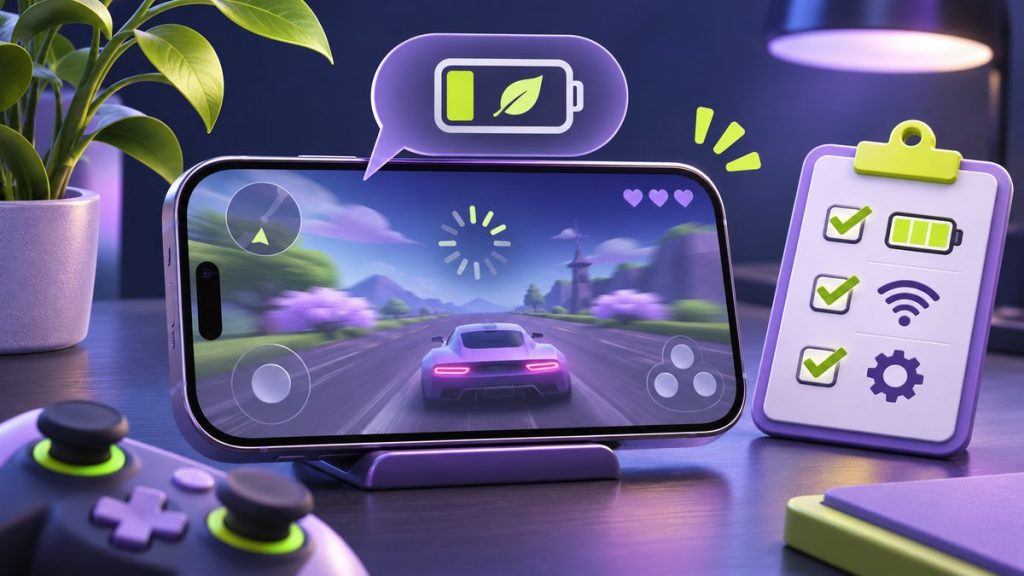
If a game feels less responsive on an iPhone, first note whether Low Power Mode is enabled. Apple says this mode reduces or disables some background activity and, on supported displays, limits refresh rate. That does not prove it is the only cause of slow gameplay, so compare the same game scene under similar conditions.
Make a fair comparison
- Save your progress and close the game. Check the battery settings to see whether Low Power Mode is on.
- If the battery has enough charge, turn Low Power Mode off temporarily and reopen the game. Compare a short offline or low-stakes section rather than risking a competitive match.
- Check for an official game update in the App Store and restart the phone if the issue persists. Do not install a modified performance booster or unofficial game package.
- If the phone feels unusually hot, stop playing and let it cool. Remove a case only if the device maker’s guidance allows it, and avoid charging during an intensive test.
Apple explains the effects of Low Power Mode here: https://support.apple.com/en-la/101604 . If performance is poor in both power modes, record the game version, iPhone model, battery level and the exact scene that stutters. Send that information to the game’s official support instead of deleting the app before confirming that your save can be restored.