
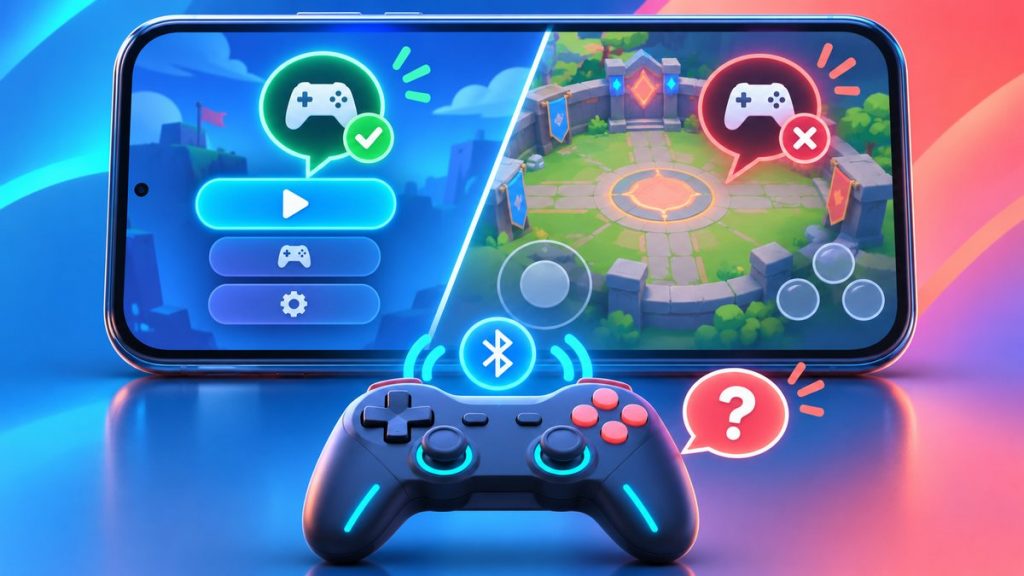
If a Bluetooth controller moves through a game’s menus but does nothing once a match starts, the phone connection may be fine. Some games support controllers only in selected screens or modes, while others require an in-game control setting or a particular controller type. Test those possibilities before installing a mapper app.
Work from the game outward
- Check the game’s own controller support. Look at the official help page or control settings for your exact mobile version. Support may differ between Android and iPhone, and between menu navigation and gameplay. Do not assume that a controller working in the operating system means the game supports it.
- Open the match control settings. If the game offers controller input, confirm it is enabled and that the gameplay layout is assigned. Test in a training mode if available so you do not abandon a live match.
- Test the controller in a second supported game. If it works there, the connection and hardware are less likely to be the cause. If it fails in both, reconnect the controller and check its battery and firmware through the maker’s official app.
- Check connection mode. Some controllers have separate modes for different devices. Consult the controller manual, then pair it again in the intended mode. Keep only one active connection during the test.
- Restart the game after changing input. Some games detect controllers only when they launch. Close the app fully, connect the controller, and reopen it.
Avoid the common shortcut
Do not grant a third-party button mapper broad accessibility or screen-overlay access just to force controller support. Such tools may collect input or violate a game’s rules. If the game officially supports touch only, use its touch controls or choose a controller-supported title instead. Our guide to a controller that is not detected at all covers the earlier connection stage.
Common questions
Why do buttons work in a menu but not movement? The menu can accept standard navigation commands while the match uses a separate control scheme. Check the game’s supported modes and mapping.
Will reinstalling help? Usually not until you know the game officially supports controller gameplay. Protect your account and saves before any reinstall.