
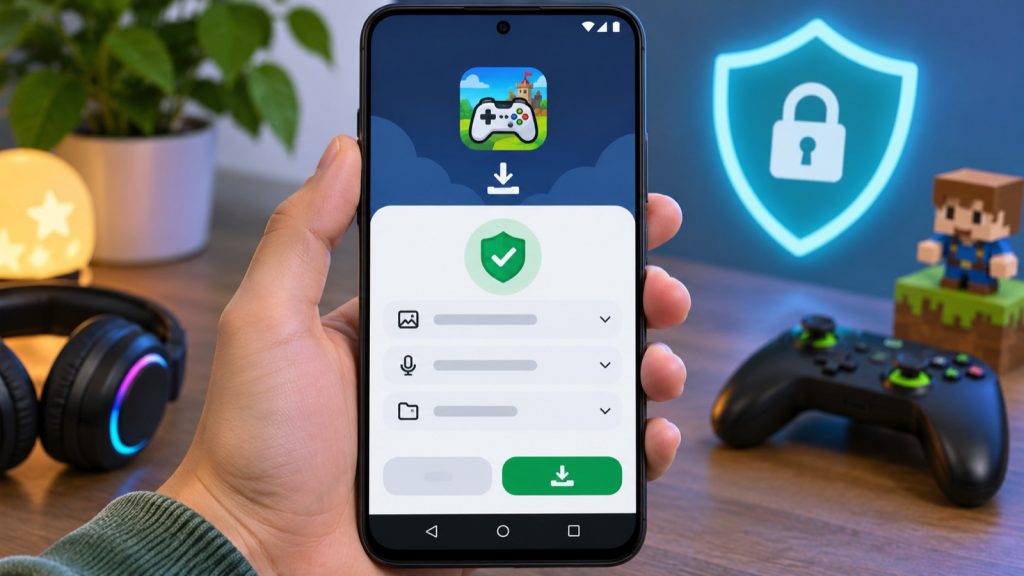
An APK is an Android app package. A link to an APK in a chat, ad or search result is not proof that it came from the game developer. Before installing a mobile game outside the usual store, verify the publisher and source, read the permission prompts, and leave Android’s safety checks enabled. If you cannot identify who published the file, stop instead of treating a successful download as a safety test.
Check the source before the file
- Search for the game in the official app store first. If the developer distributes an APK separately, reach that page from the developer’s verified website or official support channel. Avoid a copied link in a private message, shortened address or page that imitates a store listing.
- Compare the publisher name and website with the game’s official information. A familiar icon and title are easy to copy. Do not enter your game password into a page that appeared after a surprise download prompt.
- Look at the file and installation prompt before approving it. A game asking for access that has no clear gameplay reason deserves closer review. Android may ask which app is allowed to install unknown packages; do not grant that ability broadly to a browser or messaging app for a one-time download.
- Keep Play Protect enabled. Google’s Play Protect guide says it checks apps from Google Play and other sources, warns about harmful apps, and may ask to scan an unfamiliar app. A clean scan reduces concern but is not a guarantee that every feature or transaction is trustworthy.
- After installation, revisit the app’s permissions in Android Settings and remove access you do not need. Check whether the game works without it. Keep the app updated through the developer’s supported channel.
Do not turn off a security warning just because a download page tells you to. If Play Protect blocks or flags the package, pause and contact the actual developer. Avoid sharing your one-time codes or recovery phrases with anyone claiming to fix installation. Our guide to ads appearing outside a mobile game explains how to review suspicious app behavior after installation.
If a game is unavailable in your region or on your device, an APK from a random mirror is a poor substitute for an official compatibility answer. Check the developer’s support information and device requirements first.