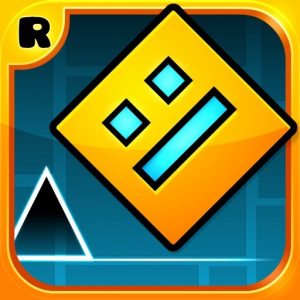
Geometry Dash is a timing-focused platform game from RobTop Games. The full mobile app is a paid store download; it is distinct from free companion editions such as Geometry Dash Lite, Meltdown and SubZero. Check the exact title and publisher before paying, because similarly named results may not be the same product.
Identify the full game
Google Play lists the full Android package as com.robtopx.geometryjump. The Philippine App Store lists it under ID 625334537. Open the buttons on this page, verify RobTop Games and read the live compatibility line for your phone. Prices, store features and version rollouts can change; this page does not process the purchase.
Performance and controls
Because a tap must line up with the beat and obstacle, screen responsiveness matters more than raw download speed. If jumps feel delayed, test without a Bluetooth controller, turn off a heavy screen recorder, and compare normal and battery-saving display modes. Clean the screen and restart the app before assuming the game save is corrupt. Some user-created levels also take additional storage and network access.
Before moving to another phone, open the game’s own account and save controls and confirm that your progress has been uploaded. Do not uninstall the old copy or clear its storage merely because the new phone opens at an early level. A store purchase and a game’s progress are separate things.
Install and update safely
- Use the official store listing for your platform.
- Check device compatibility and the current price before purchase.
- Install or update through the same store account.
- Test a built-in level first, then check your saved levels and account state.
If you prefer a slower, planning-based challenge, compare Slay the Spire. It is a different paid game with different progress handling.
Common question
Does buying the app on one platform unlock it on the other? Do not assume so. Android and Apple purchases use different stores. Check the official store and developer policies before buying again.
Install from the official source
- Open the store. Use the Google Play or App Store button above for your device.
- Confirm the publisher. Match the store publisher with the developer shown on this page, and check the device requirements.
- Install and update. Use the store's Install or Update button; allow the download to finish before opening the game.
Google Play and the App Store do not require enabling “Unknown Sources.” If a publisher offers a direct Android APK, read our installation safety guide before considering it.