
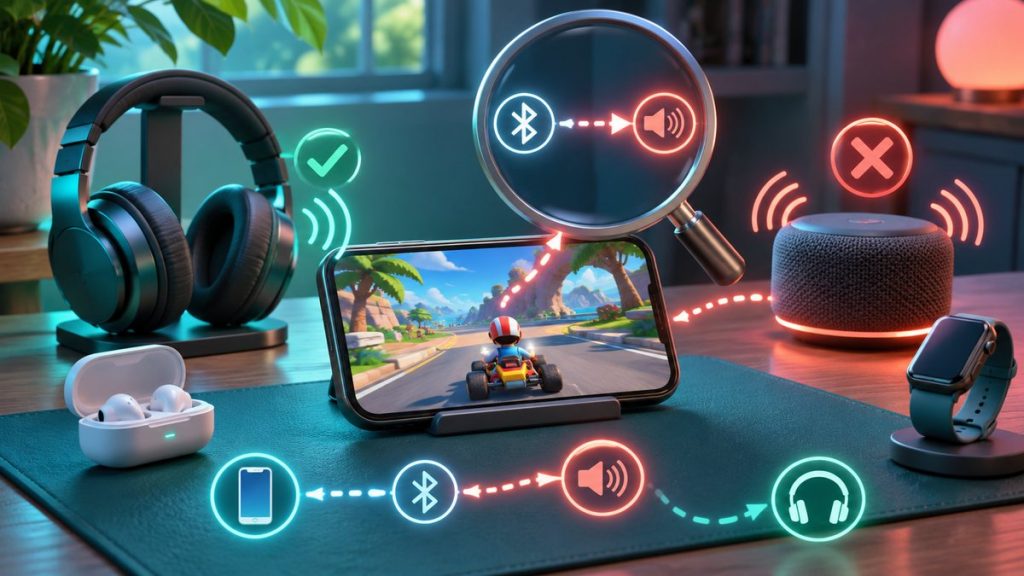
A mobile game may keep playing through the phone speaker after Bluetooth headphones connect, or it may send sound to a car or speaker you forgot was nearby. First identify which output is selected by testing a short sound outside the game at a comfortable volume. This separates a phone routing issue from a game setting.
Check the route safely
- Open the phone’s Bluetooth settings and see which audio device is connected. Disconnect any accessory you are not using.
- Use the phone’s media output selector, if available, to choose the intended headphones or speaker.
- Open the game’s audio menu. Check master volume, music and effects levels, and any separate voice-chat output setting.
- Close and reopen the game after changing output. Test without voice chat first, then with it if needed.
- Try a different game or media app. If only one game fails, note its version and contact its official support.
Keep volume low while reconnecting accessories because a route change can make audio suddenly louder. Avoid downloading third-party sound boosters that request unrelated permissions. If Bluetooth disconnects frequently, charge the accessory and test it with another phone before resetting the game’s data.