
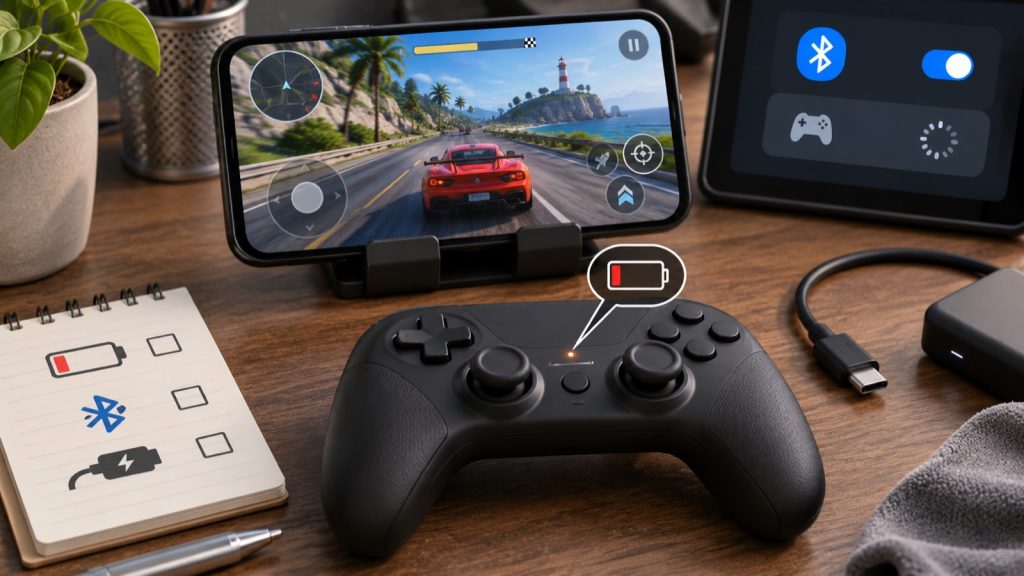
When a controller disconnects during a mobile match, first check whether the phone lost the Bluetooth connection or whether the game stopped accepting input. Those are different problems. A low controller battery, a second device taking the connection, or a game session that needs to be restarted can all look similar while you are playing. Test outside a ranked match so you can make changes without losing progress.
Find where the connection fails
- Charge the controller and check its battery indicator using the maker’s instructions. If it uses replaceable batteries, try a fresh set. Do not assume the phone’s battery indicator describes the controller accurately.
- Keep the phone and controller close together on a clear desk for a short test. Move away from a crowded hub of wireless accessories. Note whether the disconnect also happens in the phone’s menus.
- Open the phone’s Bluetooth settings immediately after the failure. If the controller is no longer shown as connected, the link dropped. If it still appears connected but only the game ignores buttons, close and reopen the game after saving the session.
- Check whether the controller is also paired with a tablet, console or another phone nearby. Turn Bluetooth off on that second device for the test so it cannot reclaim the controller.
- Restart both devices. Only then consider removing the pairing and pairing again, following the controller maker’s exact button sequence. Record any custom button mapping before resetting it.
Google’s Android Bluetooth troubleshooting steps begin with checking that the devices are paired and connected and restarting them. Apple’s iPhone controller guide describes pairing a compatible controller through Bluetooth. Menus and supported features vary by model, so use the maker’s support page for controller firmware or compatibility claims.
If the controller works in the phone interface but not in one game, check that game’s controller support and settings. Our menus-versus-matches guide helps isolate that case. If it disconnects everywhere after a full charge and a fresh pairing, test it with another compatible device before buying a replacement.