
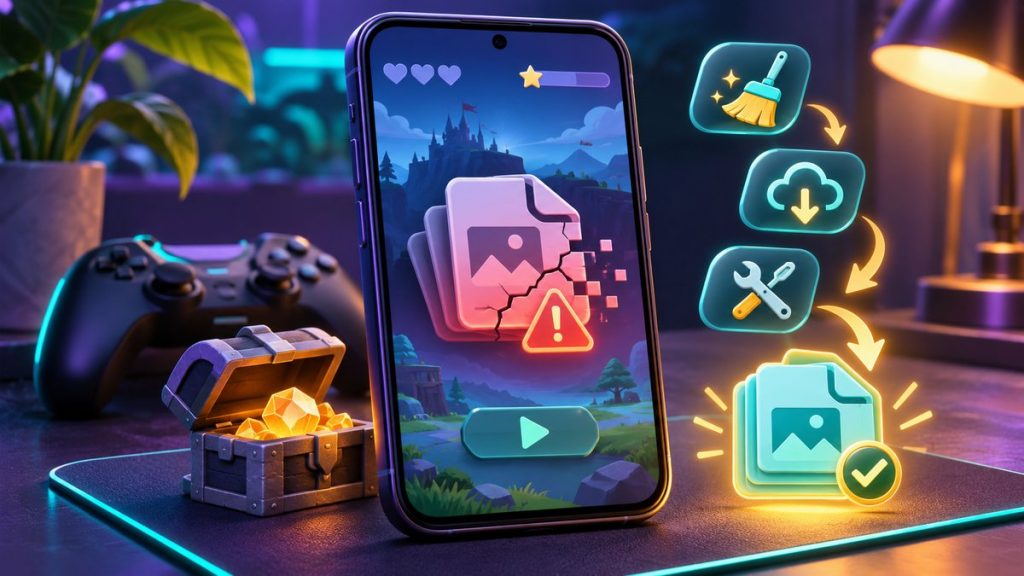
A “corrupted resource” or “damaged files” message usually means the game cannot verify one or more downloaded assets. The cause may be an interrupted update, full storage, an app crash or files left from a previous version. Do not download replacement resource archives from a forum; use the publisher’s built-in verification or the official store.
Record the exact error and version
Take a screenshot that includes the error wording but not account or payment data. Note whether the game reaches its login screen and whether the warning began after a store update or an in-game resource download.
Compare the installed version shown by the official store with the publisher’s announcement. A staged rollout can mean another player has a newer build without your copy being invalid.
Free space and restart first
Check device storage and create extra room for verification and unpacking. Restart the phone, connect to stable power and Wi-Fi, then open the game once. If it offers a Repair, Verify or Redownload option on its own login screen, use that documented control.
Avoid file-manager changes inside app folders. Deleting one asset manually can make the manifest mismatch worse.
Use Android cache carefully
On Android, clearing only the game cache can remove temporary data without intentionally wiping all app data. The exact menu varies. Do not choose Clear storage unless the account and save are confirmed, because it resets the local app.
Google explains that cached data is temporary while Clear storage permanently deletes an app’s stored data. Our large update guide helps when the resource check never completes rather than reporting corruption.
Use the publisher’s repair or reinstall instructions
Some games provide an official asset-repair button; others require a clean reinstall. Read the game’s support article for the exact order. Confirm cloud sync and player ID, uninstall through the operating system, then reinstall from the same official store listing.
Do not restore a modified backup of the app folder. It can reintroduce the damaged or mismatched files.
Recognise possible storage trouble
If several unrelated apps report corrupted files, downloads fail checksums or the phone restarts under load, back up important data and contact the device maker. Repeated corruption across apps can point to storage or operating-system trouble.
Do not run desktop “flash” tools or unofficial firmware. Device repair should follow the manufacturer’s support channel.
Safe checks before reinstalling
Confirm that game progress is linked to the publisher account, Game Center, Google Play Games or another documented cloud-save system. Take screenshots of the player ID and account binding without exposing passwords, recovery codes or payment details. A reinstall can remove local saves, downloaded resources and custom settings.
Use only Google Play, Apple App Store or the developer’s official download channel. Do not install a modified APK, cracked build, “repair pack” or unofficial resource file. These files can steal accounts and are not a safe fix for a broken installation. On a managed phone, follow the organisation’s app policy.
Philippines network and account notes
For a controlled test, use a stable home Wi-Fi connection or a reliable mobile signal and avoid switching between Wi-Fi and cellular data during a download or match. Check the game publisher’s official service-status or social channel for a regional outage. Data use can be large, so review your Philippine carrier allowance before downloading resources over mobile data.
If the issue occurs only on one account, record the server or region, game version, phone model, OS version and time in Philippine Time. Send those details through the publisher’s in-game support or official help centre. Never give support staff your password or one-time code.
Official references
Reviewed: 7 October 2026. Controls and compatibility vary by game, device, store region and software version.