
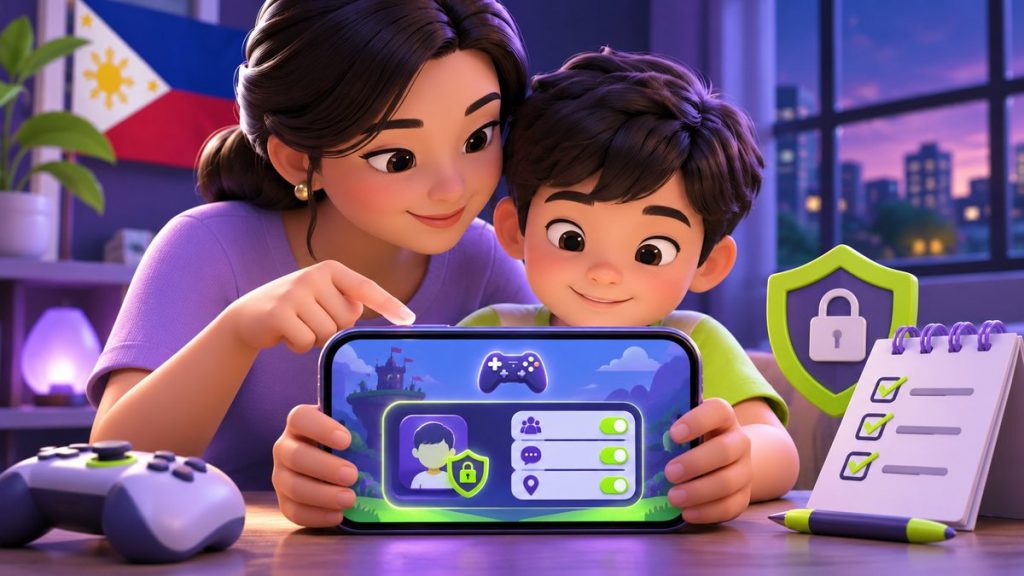
A child’s mobile game profile can expose more than a nickname. Voice chat, friend lists, screenshots, location permissions, linked social accounts and purchase receipts can all reveal personal information. For families in the Philippines, the safest setup starts with the official child or supervised account tools and a conversation the child can understand.
Give the child a separate account
Do not share an adult’s main Apple or Google account with a child. A separate child account makes age settings, app approvals, recovery and purchases easier to manage without exposing the adult’s email, photos or payment history. Keep the parent recovery address and phone current.
Google says Family Link can let a parent approve Play app requests, block apps and manage some privacy and activity settings. Apple says a child should have their own Apple Account inside Family Sharing so a parent or guardian can manage app access, purchases, content and privacy restrictions.
Use a low-information game profile
- Choose a nickname that does not contain the child’s full name, birthday, school, barangay or phone number.
- Use an avatar that does not show a school uniform, house number or daily route.
- Keep the profile, friend list and activity private when the game offers that choice.
- Do not link a public social account unless it is necessary and the privacy result is understood.
The Philippine National Privacy Commission’s child-oriented guidance emphasizes clear, understandable information about how children’s data is used. Read the game’s privacy notice together and explain what a permission or profile field reveals in practical terms.
Review chat, friends and sharing
Check whether the game supports text chat, voice chat, direct messages, user-created rooms, location sharing or public screenshots. Start with the most restrictive setting that still allows the intended play. Teach the child not to move a game conversation to private messaging, reveal an address or school, or send a face photo to claim a prize.
Use the game’s block and report tools for unwanted contact. Save only the evidence needed for a report and avoid reposting harmful material publicly. If a message involves threats, sexual content, extortion or an immediate safety risk, stop the conversation and seek appropriate adult and official help.
Check permissions and recordings
A voice-chat feature may need microphone access while in use, but a puzzle game does not automatically need contacts, precise location or full photo-library access. Review permissions in the phone settings and remove access that is not needed. Test the game afterward because some optional feature may stop working.
Before sharing gameplay clips, check the recording for notifications, real names, voice, player IDs, chat messages and payment pop-ups. The safe gameplay recording guide has a step-by-step privacy check.
Control downloads and purchases
Use Google Play purchase approvals or Apple’s Ask to Buy and content restrictions where available. An approval request is a chance to inspect the developer, age rating, permissions, advertising and in-app purchase model, not just the price. Install only from the official store or developer route.
Set a family rule that no purchase, top-up, giveaway claim or account trade happens through a private message. Keep the adult’s wallet PIN, card details and one-time codes private. The Filipino family spending guide covers store-level controls.
Plan recovery without oversharing
Record the game’s non-secret player ID, publisher, login method and support URL in a place controlled by the parent. Do not publish receipts or account details in a public forum. When support needs proof, send a redacted document only through the verified in-game or developer channel.
If the child stops using the game, review the publisher’s account-deletion and data-request process. Removing an app from the phone may not delete the online account or its data.
A short family review
- Confirm the account age and parent recovery details.
- Review the nickname, avatar, friends, chat and privacy settings.
- Check microphone, photos, contacts and location permissions.
- Enable download and purchase approvals.
- Agree on what to do when a stranger asks for personal information.
Editorial review: 20 September 2026. This is a practical privacy checklist, not legal advice. Platform features vary by age, device and region; follow the current official settings and the game’s own rules.
Official references
- Philippine National Privacy Commission: Kabataang Digital guide
- NPC Guidelines on Child-Oriented Transparency
- Google For Families: consent and supervision
- Google For Families: manage a child’s Play apps
- Apple Support: parental controls for a child’s iPhone or iPad