
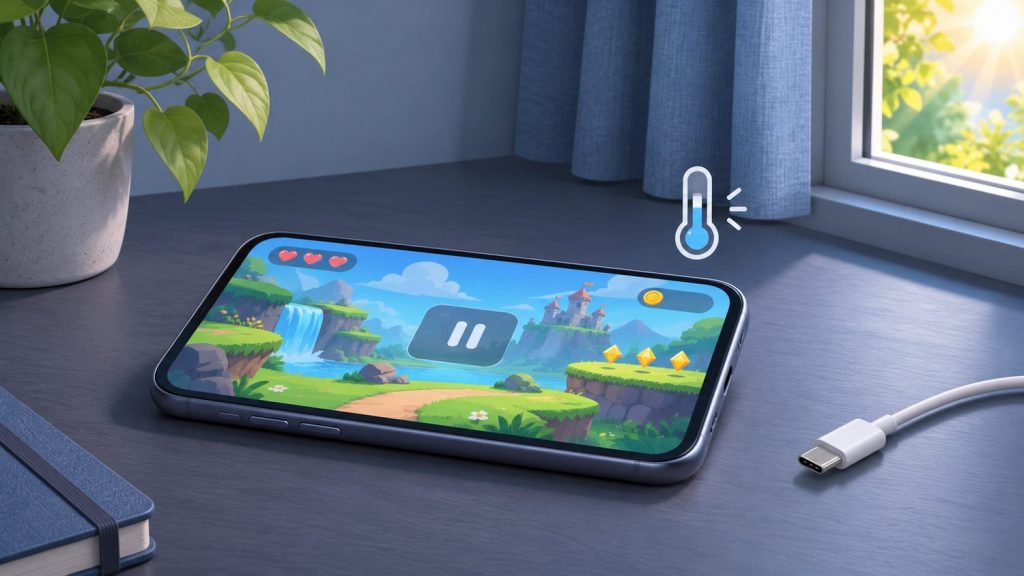
A phone can feel warm during a graphics-heavy game, especially while it is charging or downloading game files. Warmth alone does not prove a fault. The important signals are a temperature warning, sudden screen dimming, charging that pauses, strong performance drops, or a phone that is uncomfortable to hold. If any of those appear, stop the game and let the device cool safely.
Cool the phone without stressing it
- Pause at a safe point in the game and close the app. If the phone is charging, unplug it once you can do so safely.
- Move the phone out of direct sunlight to a shaded, ventilated room-temperature surface. Remove a bulky case if that is easy and the phone is safe to handle. Do not cover the phone with a pillow or leave it in a parked car.
- Wait until it returns to a comfortable temperature before resuming play or charging. Do not put it in a freezer or expose it to water; rapid cooling and moisture create their own risks.
Apple’s iPhone temperature guidance says graphics-intensive games can make a device warm and that iPhone may reduce performance, dim the display, or pause charging when it gets too hot. Google’s Pixel heat guidance also identifies gaming and charging together as common sources of warmth, with protective limits if the phone overheats. Follow your phone maker’s instructions if a warning appears.
Reduce repeated heat during play
After the phone cools, try a shorter session and lower the game’s frame-rate or graphics setting if the game provides one. Reduce screen brightness to a comfortable level and avoid gaming while charging in a warm room. Check whether the phone and game have updates from their official stores. Change one thing at a time so you can tell what helps.
If the game slows only after you enable a battery-saving mode, read our iPhone Low Power Mode gaming checks before changing that setting. If the phone repeatedly shows a temperature alert during light use, if the battery swells, or if the device is damaged, stop using it and contact the manufacturer’s support. Do not open the device or use an unverified cooling accessory.