
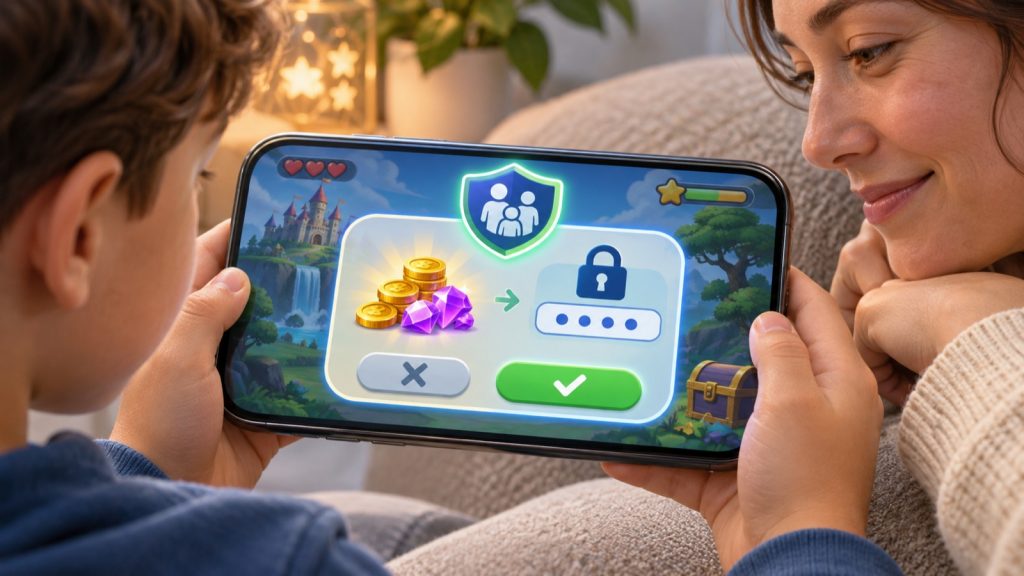
The safest time to prevent an accidental game purchase is before opening the game’s shop. Check which store account is signed in, how a purchase is verified on that device, and whether a child uses a separate managed account. A game may display coins or gems, but the real charge happens through a store or another payment flow. Read the price and account shown in the confirmation screen rather than tapping through quickly.
Set a purchase checkpoint
- On Android, open Google Play, tap your profile picture, then Payments & subscriptions and Purchase verification. Choose a verification requirement that fits how the device is shared. Google explains the current options in its purchase verification instructions. Labels can vary by region and account.
- On iPhone or iPad, open Settings and review Screen Time’s restrictions for App Store purchases. Apple’s in-app purchase guide explains how to block purchases and points families to Ask to Buy for a child’s device. Check the actual controls shown on your device because software menus can change.
- Keep the phone’s screen lock private. Do not give a child a payment password or ask them to approve a fingerprint or face prompt without reading what it buys.
- Before buying game currency, check the total price, currency, recurring terms if any, and the store account. Take a screenshot of the offer and receipt if you need a record, but hide payment details before sharing.
If a purchase already happened
Stop additional purchases and review the official store purchase history. Use the store’s help path for a charge you do not recognize; do not send card details to a stranger who claims to offer a refund. Purchase verification settings apply to the relevant store billing system, so they may not cover a separate website or an in-game payment link. Google specifically notes that its verification settings apply to Google Play purchases on the selected device.
If the game shows the wrong player or store identity, resolve that before paying: our Google Play Games profile guide explains how to check the account without resetting progress. Recheck the controls after a device handoff or account change.