
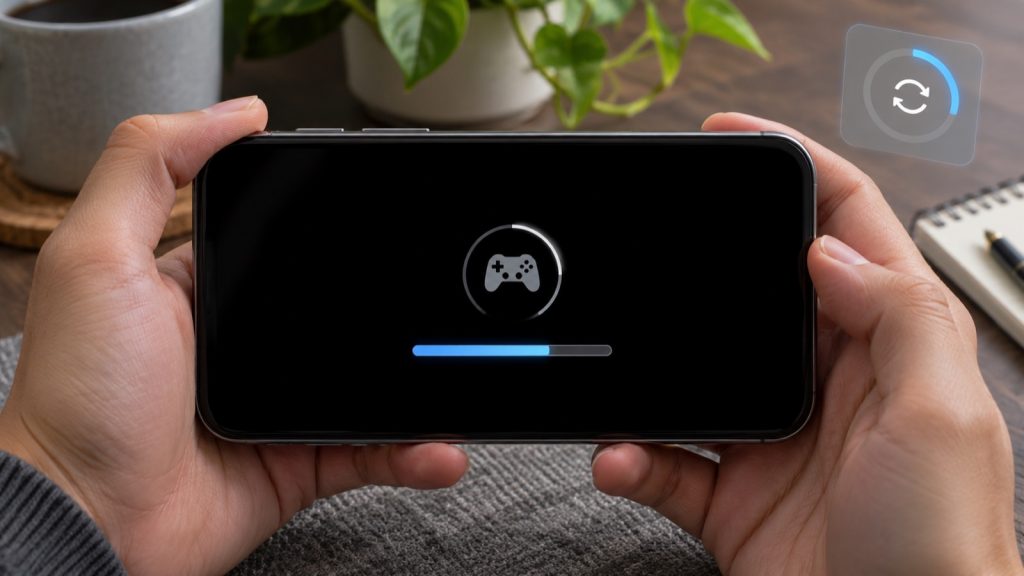
A black screen after a mobile game update can be a stalled launch, an unfinished asset download, or an app problem on that phone. It does not automatically mean that your save is gone. Start with checks that do not erase data, and make a note of what happens: does the screen stay black before the logo, after the logo, or only when a match begins?
Try safe checks in order
- Give the first launch a few minutes on a stable connection. Some games download additional files after the store update. If a progress indicator appears, do not interrupt it repeatedly.
- Close the game completely and reopen it once. If that fails, restart the phone. Apple lists closing and reopening, restarting, then checking for updates as early steps when an iPhone app will not open.
- Open the official App Store or Google Play listing and check for another patch. Also check the phone’s system update screen. Avoid unofficial replacement downloads that promise a fix.
- Try a known-good network and check available storage. A game may need room to unpack files even after the store says the update finished. If only one game fails while other apps work, record its version and phone model.
- Look for a game status page or support notice if the black screen began for many players at once. Do not assume a server problem without a notice or other evidence.
Protect the save before stronger steps
Do not tap Clear storage, Delete app or Uninstall just to see whether the screen changes. Some games keep progress only on the device. Google notes that uninstalling an Android app erases data saved in that app, while Apple’s app troubleshooting page warns that deleting an app may lose stored data. If the game still opens far enough to show account settings, note the linked account and player ID. If it does not, check any earlier screenshots, receipts or game support emails for an ID.
When you contact the developer, include the exact point where the screen goes black, phone model, OS version, game version and the steps already tried. Do not send passwords or recovery codes. Our guide to a game stuck at the loading screen has more save-preserving checks. Reinstall only after the developer or the game’s own instructions confirm how your progress can be restored.