
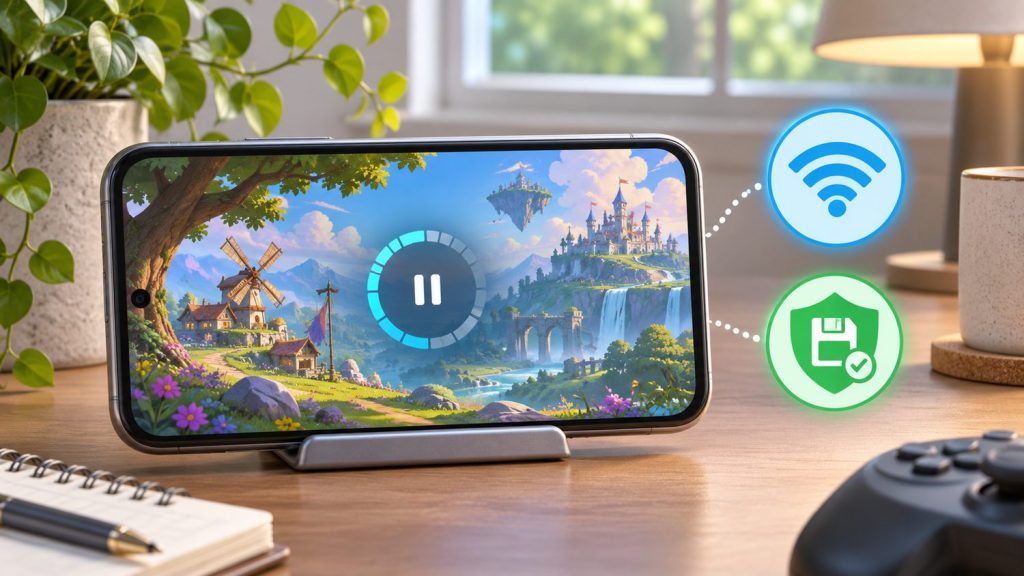
If a mobile game stays on its loading screen, protect your progress before trying a destructive fix. A stalled launch can come from a temporary app problem, a missing update, a weak connection or a service outage. Clearing app storage or deleting the app may remove a save that is stored only on the phone.
Start with checks that preserve progress
- Wait a minute and note whether the loading indicator moves or an error code appears. Take a screenshot of any message without sharing account details.
- Close the game completely and reopen it. Restart the phone if the same screen returns. Apple’s app troubleshooting instructions recommend closing and reopening, restarting, and checking for updates before deleting an iPhone app.
- Try a reliable connection. If you are on Wi-Fi, briefly test mobile data if your plan allows it, or test another trusted Wi-Fi network. Avoid entering your login on a page reached through a suspicious link.
- Check the official game website or verified support channel for a service notice. If several players report the same outage, changing your phone may not help.
- Update the game from the official App Store or Google Play listing. Ensure the phone has enough free storage for updates and temporary game files.
Protect the save before clearing anything
Open the game’s official account or support information if you can reach it. Confirm whether your progress is linked to an account or cloud save, and record your player ID privately. Do not send passwords or one-time codes to anyone. If you have a cloud save conflict, read our cloud save conflict guide before selecting a version.
On Android, the location of app controls varies by phone. Google’s Pixel app troubleshooting guide includes clearing an app’s cache after simpler checks. Cache clearing is different from clearing storage or data; inspect the label carefully. On iPhone, Apple warns that deleting an app may lose data stored in that app. Reinstall only after confirming a recoverable save or accepting that risk.
If the game still freezes, contact the game developer with the device model, operating system version, game version, approximate time and exact error. This gives support a reproducible report while keeping your credentials private. One change at a time makes it easier to identify which step actually helped.