
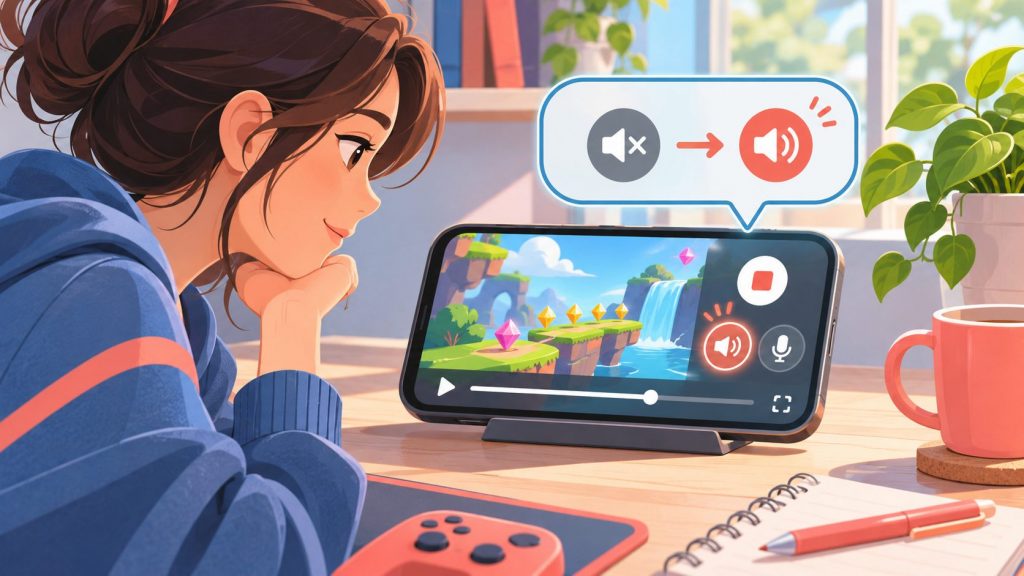
If a mobile game screen recording has no audio, first check what the phone was asked to record. Game sound, your microphone and Bluetooth output are different audio paths. A recorder set to microphone may capture your voice but miss game sound; a recorder set to device audio may capture the game but omit your voice. Make a ten-second test clip before recording an entire match.
Make a short comparison clip
- Open the game and verify that music or effects can be heard through the phone speaker. Check the game’s own sound controls and the phone’s media volume. If you are using Bluetooth earbuds, briefly test through the phone speaker to rule out an audio-route problem.
- Start the phone’s built-in screen recorder. On Android, review the available audio choice before tapping Start. Google’s Android screen recording help says audio can be selected before recording; the exact labels can vary by phone.
- On iPhone, open Control Center, touch and hold Screen Recording, and turn Microphone on if you want your voice in the clip. Apple’s iPhone recording guide describes this control. Make a new clip after changing it; the change cannot repair an already silent recording.
- Play the test clip in the phone’s photo or video app with volume up. Then make another ten-second clip in a different ordinary app. Compare the two results.
Interpret the result safely
If both clips are silent, revisit the recorder’s audio choice and the phone’s output device. If only the game is silent, check the game’s sound settings and whether that game permits audio capture. Apple notes that some apps may not allow their content to be recorded. Do not try to defeat a game’s restriction or install an unknown recording app just to bypass it. If game sound plays through the wrong Bluetooth device even outside recordings, use our Bluetooth audio route guide.
For a clip that needs both commentary and game audio, test the available options on your specific phone before a long session. Android models do not all present the same choices. Avoid recording private chat, account details or other players’ voices without permission. If the recording itself is correct but playback is silent on one device, try playing the same file through another trusted player before changing game or phone settings.