
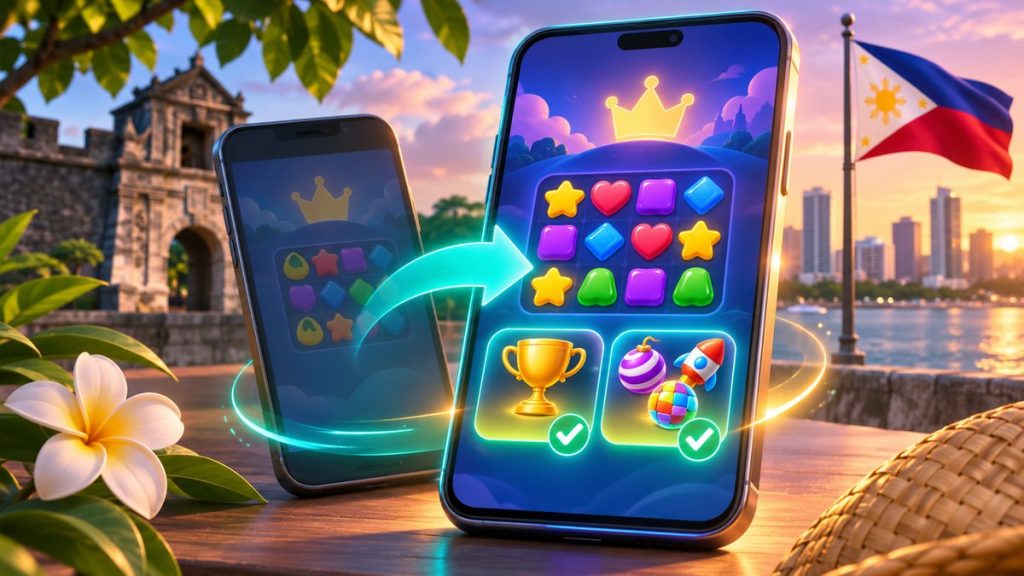
Changing from an older Android phone or iPhone can look simple when a King puzzle game offers account sign-in, but not every item moves in the same way. This Philippines checklist uses Candy Crush Friends Saga, Pet Rescue Saga and Farm Heroes Saga as examples.
Current official-store snapshot
- Candy Crush Friends Saga: Apple Philippines listed version 5.8.0.0, 14 October 2026, about 379.6 MiB and iOS 15 or later; Google Play listed a 13 October update.
- Pet Rescue Saga: Apple Philippines listed version 4.22.0.0, 14 October 2026, about 471.4 MiB and iOS 15 or later; Google Play listed a 15 October update.
- Farm Heroes Saga: Apple Philippines listed version 6.99.15, 26 September 2026, about 347.2 MiB and iOS 15 or later; Google Play listed a 28 September update.
All six Philippine store routes were available on 20 October. Android compatibility remains device-specific, and installed size can exceed the download package.
Back up on the old phone first
- Open the official game on a trusted connection.
- Confirm the displayed level and player profile.
- Connect a King account or Facebook, where the game supports it.
- Complete a level and return to the map so progress can synchronize.
- Keep the old phone and app unchanged until the new phone is verified.
King says linking to a King account or Facebook saves progress on its servers. If the old app is still a guest profile, reinstalling before creating that backup can erase the only copy.
Know what should and should not move
King’s current help says game progress and Gold Bars should appear after sign-in on a new device. It separately says Boosters, Extra Lives and Extra Moves are stored locally and do not transfer. Event or calendar progress may also be lost during a reinstall or device change.
Take a private screenshot of the level and non-secret player details for support, but do not expose a password, recovery email, Facebook session, OTP or full payment receipt. A screenshot cannot turn a local booster into a transferable item.
Plan storage and Philippine data use
The three Apple package sizes total about 1.17 GiB before cache and temporary update space. Android sizes vary by device. Install on trusted Wi-Fi when possible, then check the phone’s per-app data meter before allowing background mobile data.
On prepaid service, avoid downloading all games and content packs in one session without checking the remaining allocation. Do not accept a “compressed APK” from a chat group; it is not the signed Play Store build and may not connect to the real account.
Sign into the right account
A shared phone may have several Google, Apple, Facebook or King identities. Match the same sign-in method used on the old device and confirm the level before making a purchase. If the map is new, stop: do not play many levels or pay on the wrong profile while hoping it will merge automatically.
King documents a Facebook-to-King account merge route, but accounts should be checked individually. If progress does not synchronize, use Player Support instead of giving credentials to someone who offers a manual transfer.
Purchases and receipts
Confirm the active game profile and Philippine-peso total on the official store sheet. Store purchase histories belong to the Apple or Google account, while the game state belongs to the connected player profile. Keep receipts for support but redact unrelated purchases, addresses and payment identifiers.
Do not pay a second time while the first transaction is pending. A reseller cannot legitimately transfer local boosters by asking for remote control or a one-time code.
Final handoff checklist
- Install only from Google Play, Apple’s App Store or King’s official page.
- Sign in and verify the correct level and Gold Bars.
- Accept that local boosters and lives may remain on the old phone.
- Test an ordinary level, sync and one store screen without buying.
- Only then erase, sell or trade in the old device.
See WP Phone’s shared-phone save and purchase guide and save-conflict checklist.
Editorial review: 20 October 2026. Versions, item-transfer rules, account screens and prices can change; verify the live official sources before switching or paying.