
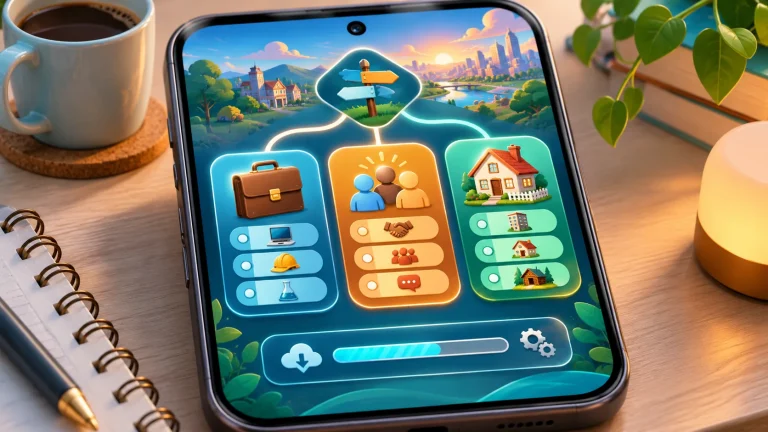
BitLife iOS 3.26.1 Update: What Changed and How to Install It
The Philippines App Store lists BitLife 3.26.1 as a bug-fix update. Here is what the publisher confirmed, and how to update safely on iPhone.
Read update →Verified version updates, maintenance notices and practical help for Android and iPhone players. Check each linked store for the current version on your device.
The Philippines App Store lists BitLife 3.26.1 as a bug-fix update. Here is what the publisher confirmed, and how to update safely on iPhone.
Read update →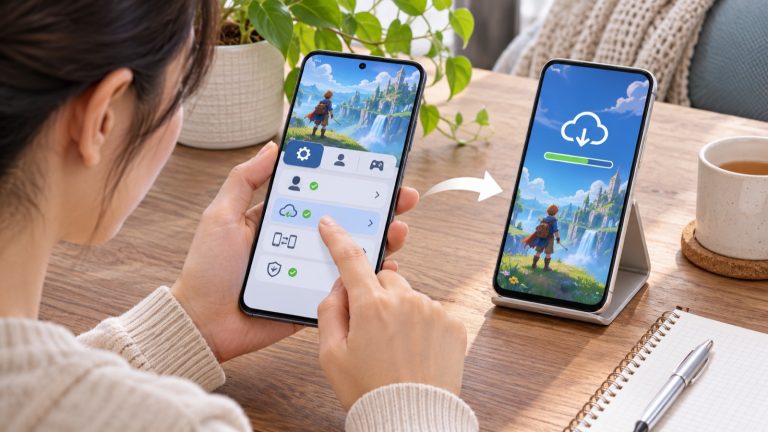
Confirm which account holds a game save and test recovery on a new phone before wiping or trading in the old one.
Read guide →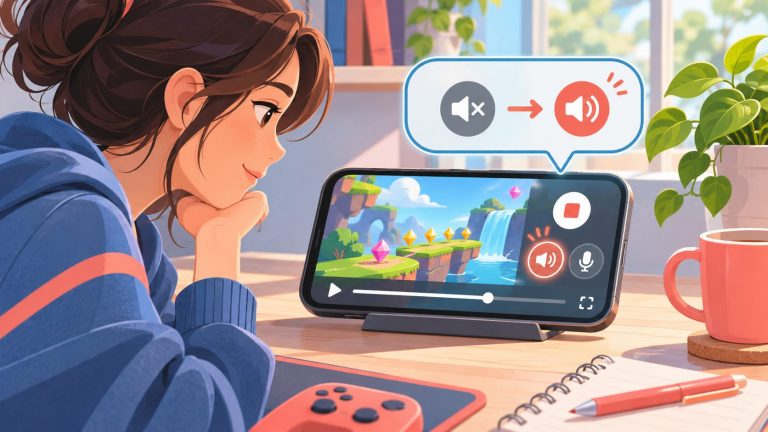
Check the recorder's audio choice, game sound and Bluetooth route before recording another long gameplay clip.
Read guide →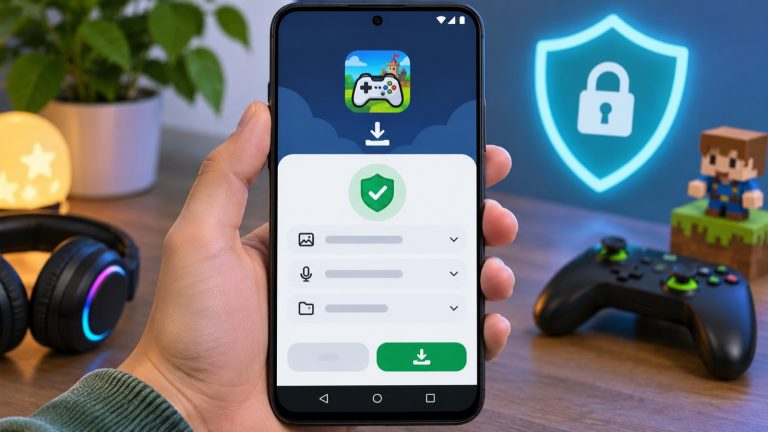
Verify the publisher, download source and Android security warnings before installing a game APK.
Read guide →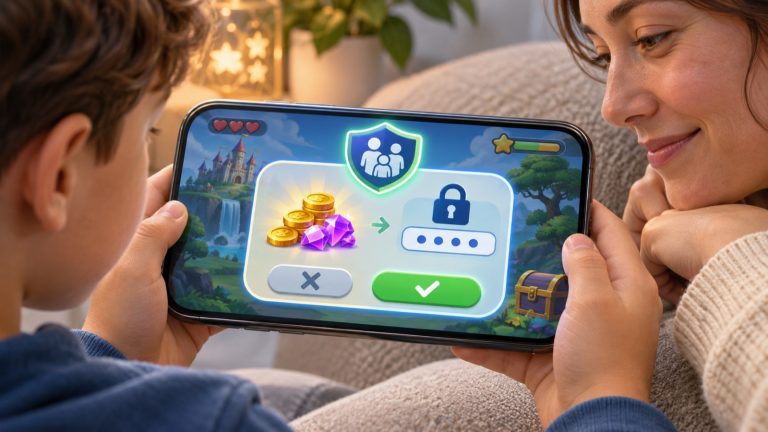
Review store verification and family controls before a game purchase prompt appears.
Read guide →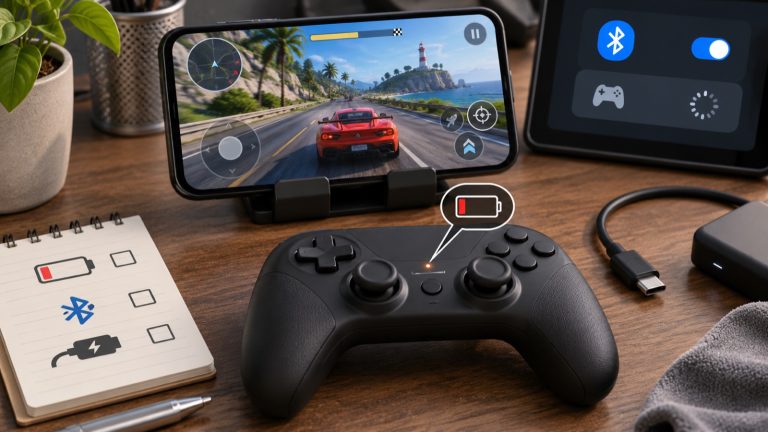
Separate a controller power problem from a phone Bluetooth or game issue before pairing again.
Read guide →
Work through display, connection and app checks without risking a local game save.
Read guide →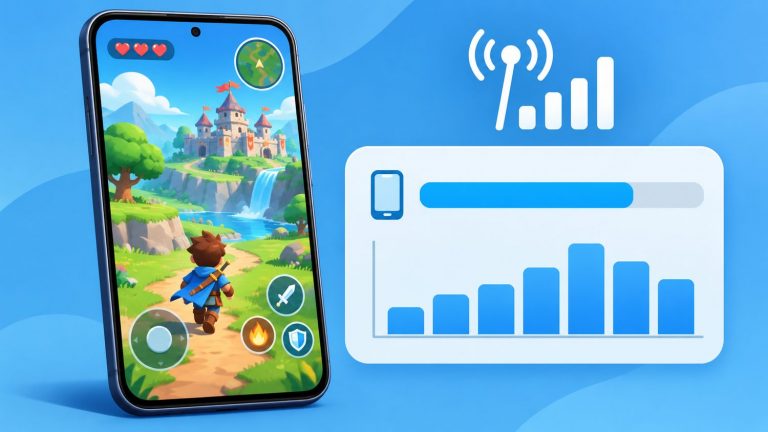
Use iPhone or Android settings to estimate a game's mobile data use, compare a short play session, and avoid unexpected downloads or roaming charges.
Read guide →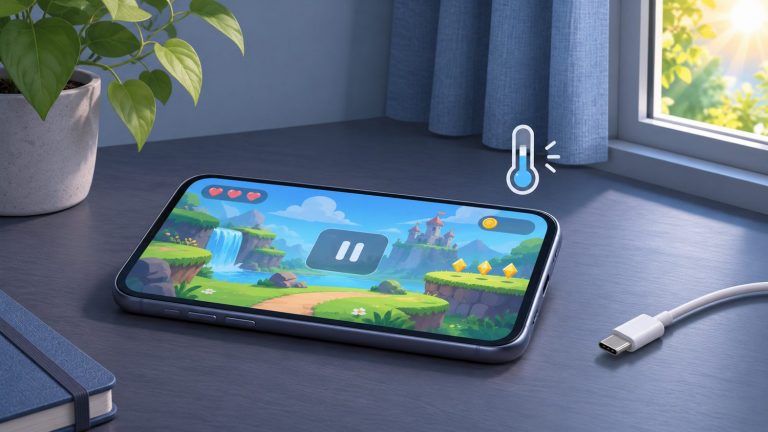
Learn when gaming warmth is expected, how to pause safely when a phone overheats, and which changes reduce heat without risking the device.
Read guide →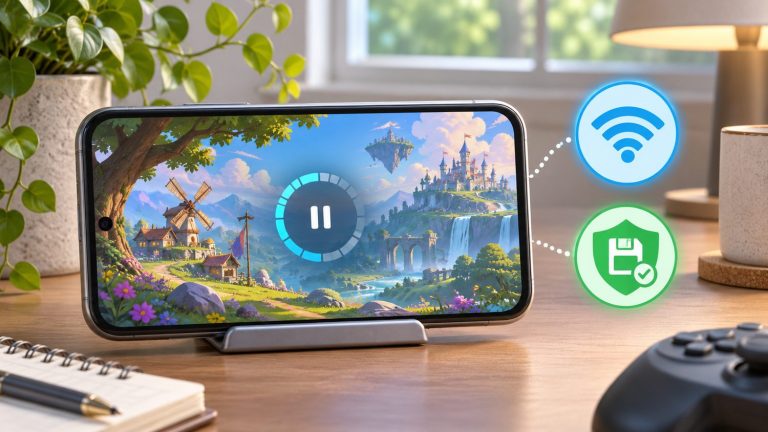
Diagnose a mobile game stuck on its loading screen while protecting local saves and account access before clearing storage or reinstalling.
Read guide →